GTA ChatGPT Prompts: 4 Photo Styles With Examples
Copy four GTA ChatGPT prompts with original AI image examples. Turn your photo into a GTA 6 loading screen, duo poster, 3D gameplay portrait or sunset drive.
Try the GTA 6 filter — free once a day
Attach a clear photo in ChatGPT, pick a look below and paste its prompt in the same message. These four prompts are adaptations of publicly shared recipes. The AI-generated examples feature fictional people and show the composition each prompt is designed to produce.
Four GTA ChatGPT prompts to copy
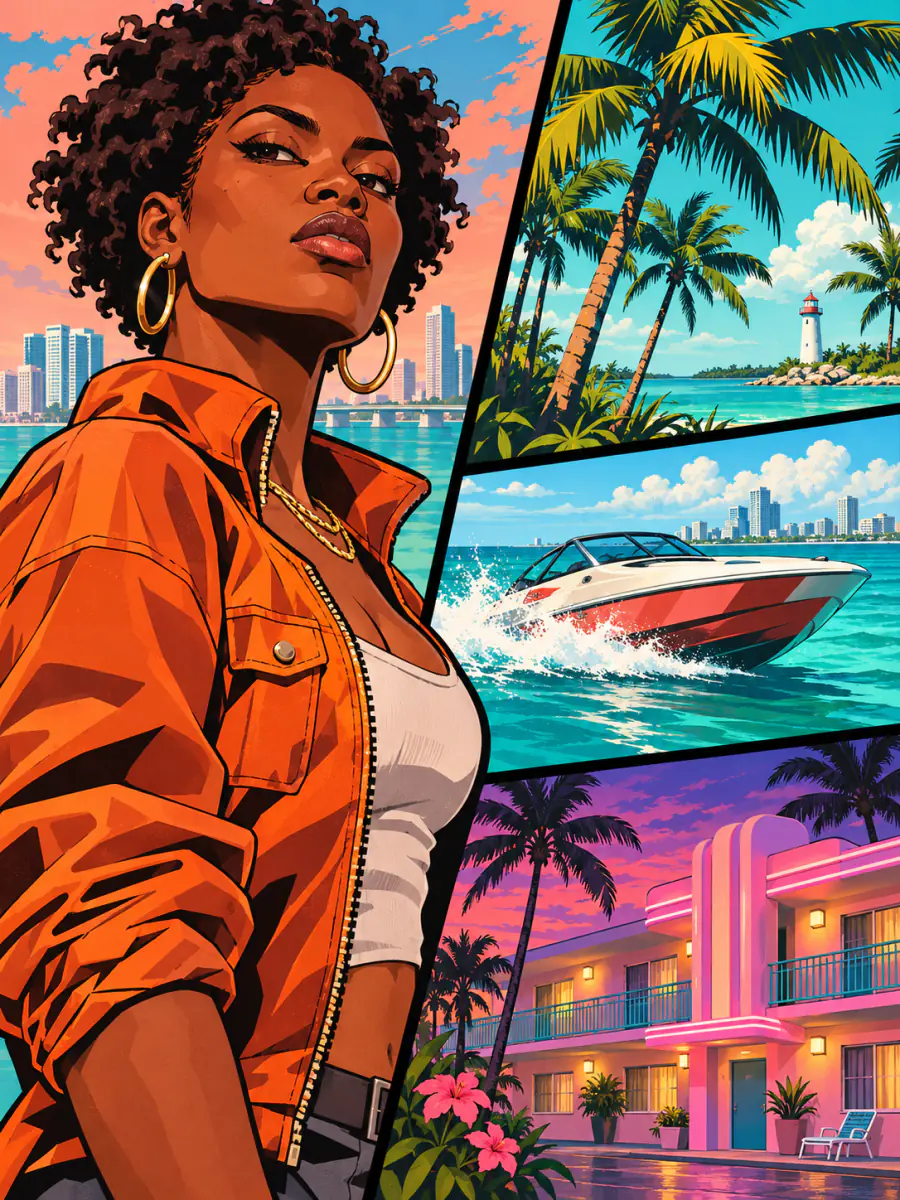
GTA 6 loading screen collage
Use my uploaded photo as the identity reference for the lead character in a 3:4 poster for a fictional Florida-set open-world game. Keep my face, complexion, hairstyle and identifying features recognizable. Put my portrait in the largest panel. Draw three smaller scenes showing palms on the shore, a speedboat cutting through turquoise water and a pink Art Deco motel at dusk. Use clean cel shading, saturated color and bold dark borders between the panels. Leave out all lettering and logos.
Adapted from Opusly’s cover poster prompt.
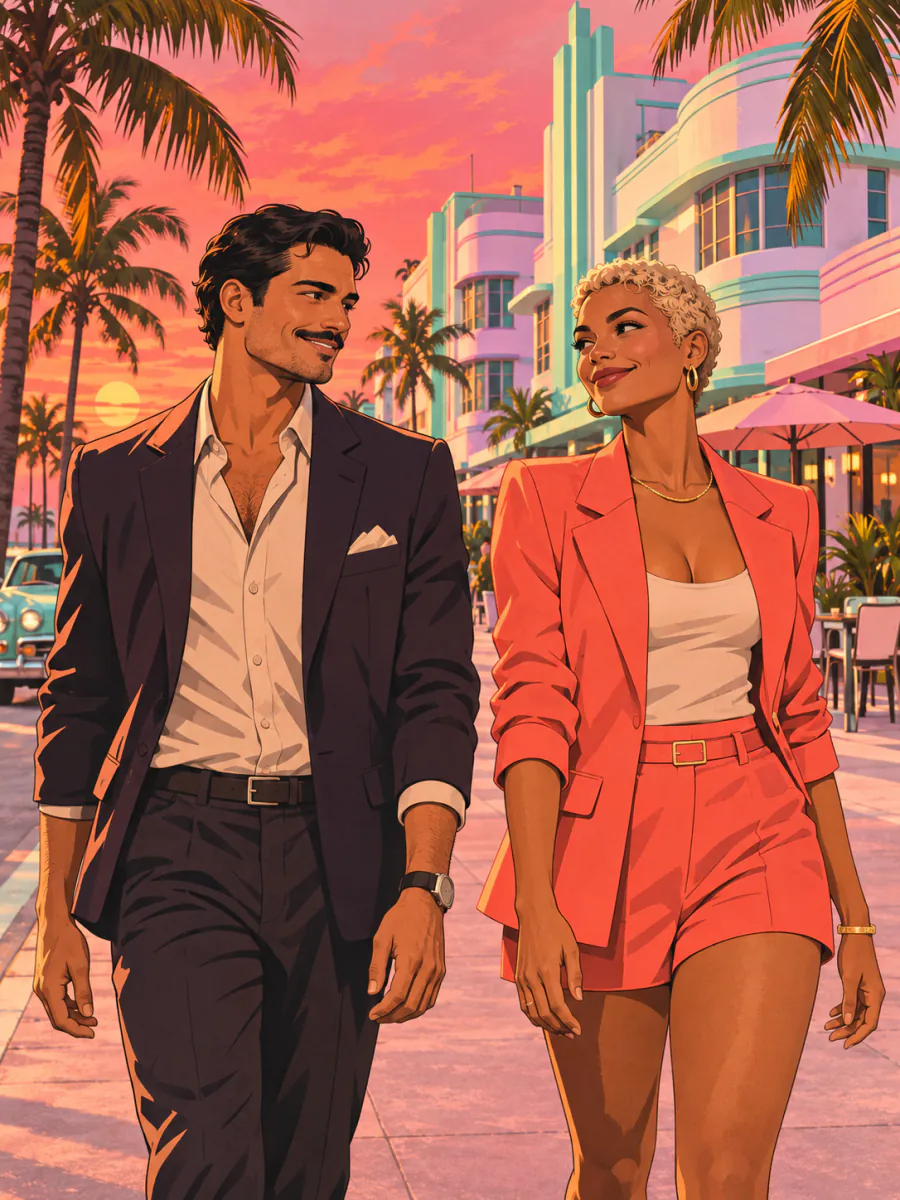
Ocean Drive duo poster
Draw a 3:4 game-poster illustration of the people in my two uploads. Use the first photo for the person on the left and the second for the person on the right. Keep each person’s face, skin tone, hairstyle and build distinct. Show them walking together on a palm-lined Miami Beach street, framed from mid-thigh at eye level. Give the street pastel Art Deco hotels, a coral sunset and soft mint reflections. Render the scene with crisp contour lines and cel-shaded color. Leave out lettering, logos and watermarks.
Adapted from u/Beginning-Willow-801’s Ocean Drive stroll prompt on Reddit.
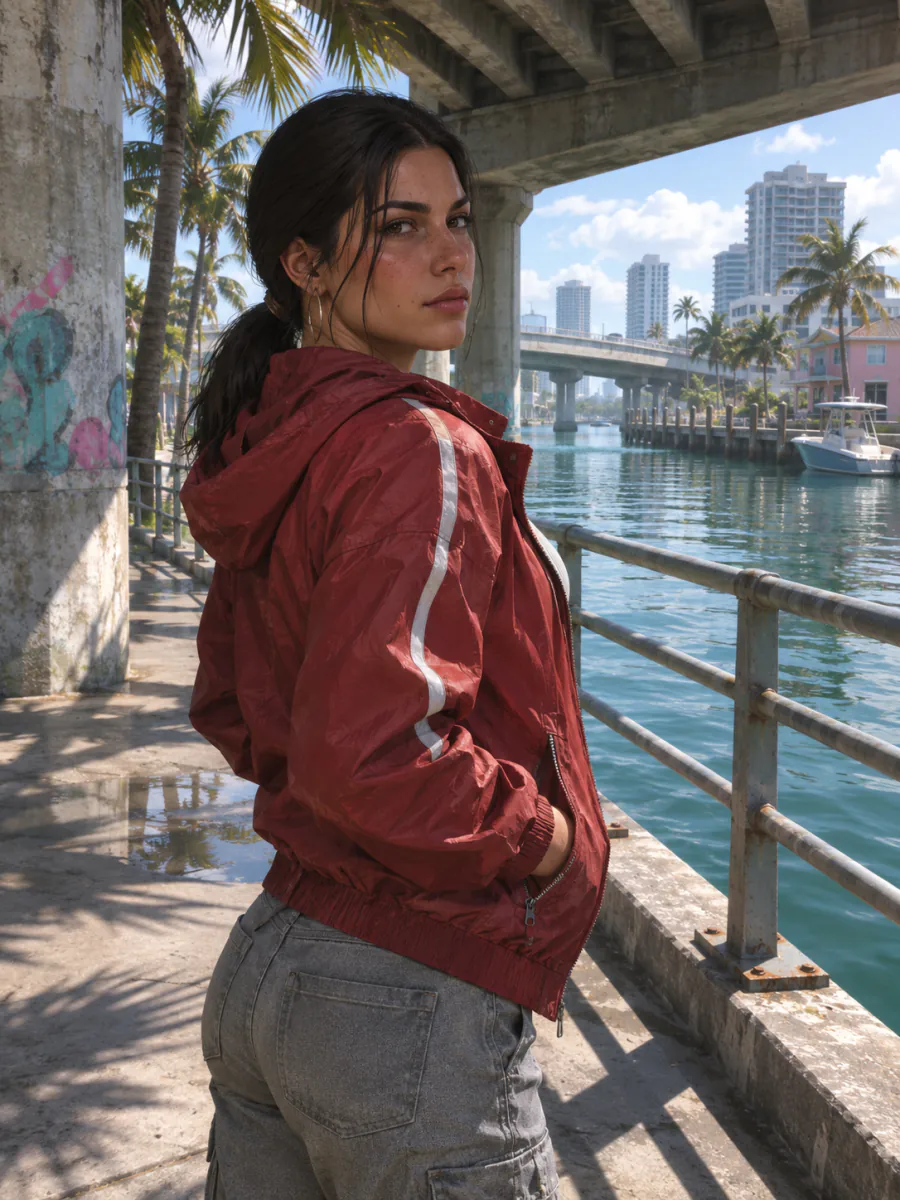
Realistic 3D gameplay portrait
Rebuild the person from my photo as a recognizable 3D character in a fictional coastal open-world game. Match my facial features, skin tone, hair and outfit. Frame me looking over my shoulder under a concrete bridge beside a canal. Render cloth, concrete and water as real-time game materials, with hard midday light, humid haze and reflections on the canal. Make a vertical 3:4 game photo-mode still. Leave out the HUD, map, lettering and logos.
Adapted from AI Media Studio’s realistic in-game prompt.
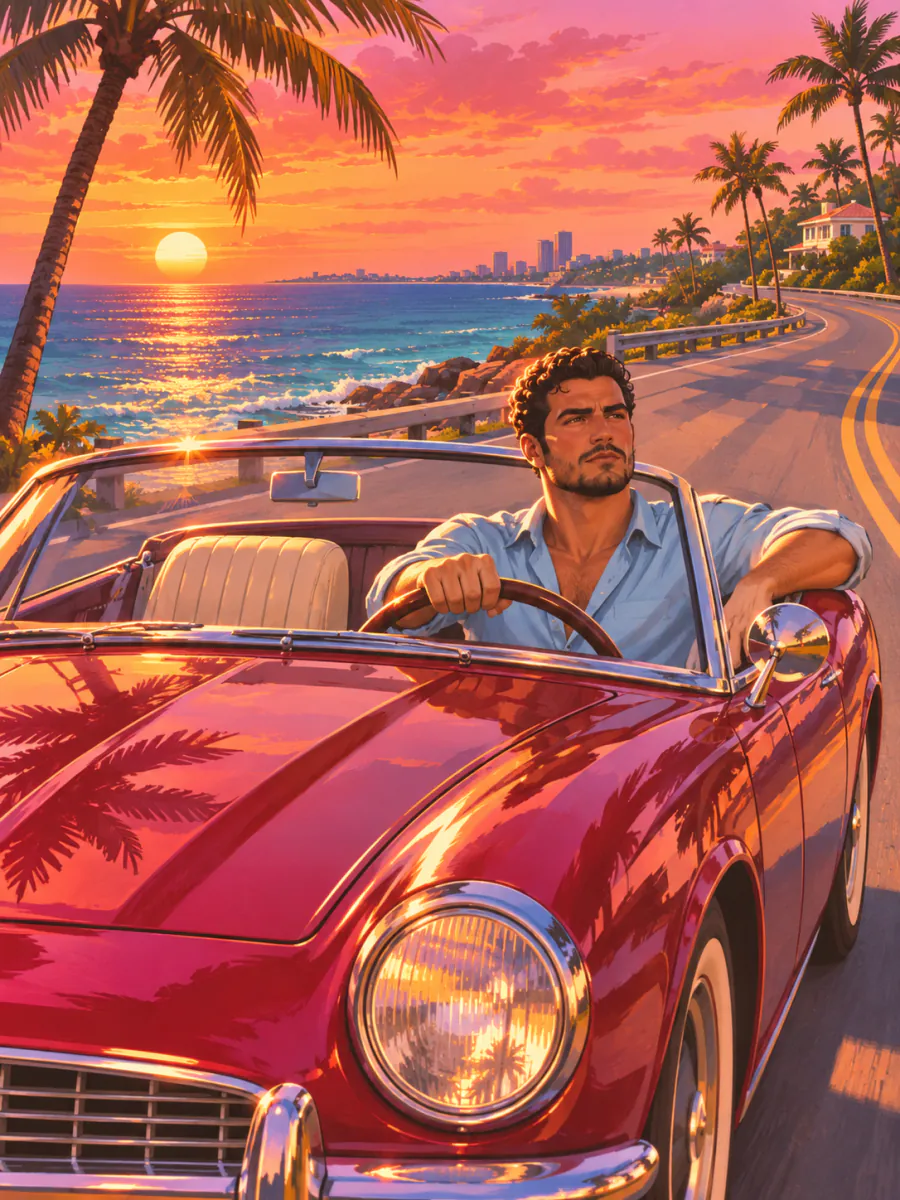
Beach sunset drive
Use my attached portrait as the driver reference for an illustrated coastal driving scene. Keep my face and hairstyle recognizable. Seat me behind the wheel of a deep red, unbranded vintage convertible on a curving road by the ocean. View the car from slightly above its front corner so my face is visible over the windshield. Use warm airbrushed shading, pink-orange sunset light and palms along the shore. Make it a 3:4 portrait image without lettering or logos.
Adapted from Game Filter’s beach sunset drive prompt.
Tune the result or try a preset
If the crop cuts off a face or the car, ask ChatGPT for a wider frame while leaving the subject and scene as they are. For a square avatar, swap “3:4” for “1:1” and ask for a head-and-shoulders crop. The GTA 6 filter prompt guide breaks down the wording for likeness, lighting and framing.
For a preset, open the GTA 6 photo filter, or start with the vertical format in the GTA 6 loading screen generator.
GTA ChatGPT prompt FAQ
-
Which prompt gives me a GTA 6 loading-screen look?
Use the loading screen collage. It puts your face in one large illustrated panel and moves scenery into the smaller panels so your face stays easy to see.
-
How do I keep two faces from blending in a GTA poster?
Upload one clear photo per person and specify which file belongs on each side. If ChatGPT mixes their features, use the two file names to identify who belongs on the left and right.
-
How do I get a GTA-style screenshot instead of an illustration?
Use the 3D gameplay prompt. Paste it with your photo, then adjust the location or lighting in a follow-up while keeping the game-rendered materials and the clean frame.